 Reef
Reef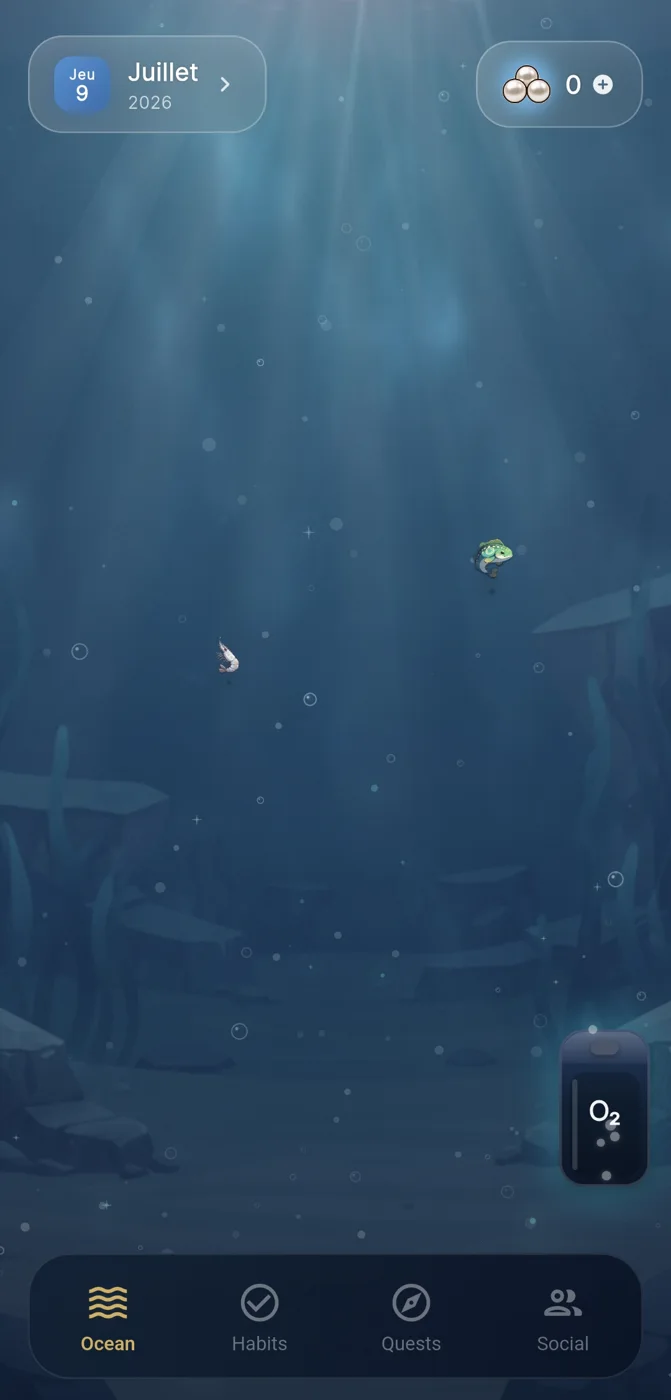
Why people search for a routinery app for windows
Someone typing 'routinery app for windows' is usually trying to solve a specific mismatch: they've found a habit tracker they like, often on a phone, and now want the same tracking experience on a desktop or laptop running Windows. That's a reasonable thing to want, since a lot of habit-relevant work - planning, journaling, reviewing a week - happens at a desk rather than on a phone.
Before settling on any single app, it helps to separate two different questions. The first is whether a given app has a Windows-native client, a web version, or no desktop option at all - that's a platform-availability question, and availability details for any specific app change over time, so they're worth verifying directly rather than trusting an old article. The second, more durable question is what actually makes a habit tracker useful regardless of platform: does it make your effort visible, does it forgive missed days without guilt-tripping you, and does it fit habits that are genuinely small enough to repeat.
This article focuses mostly on the second question, because platform details are the kind of thing that's outdated within months, while the underlying principles for habit tracking hold up much longer.
What actually matters in a desktop habit tracker
A tracker's platform is less important than whether it supports a few basic mechanics. First, the habit itself should be small enough to complete on a bad day - a two-minute version of the routine, not the ideal version. Second, the app should show progress in a way you can glance at without needing to interpret a spreadsheet: streak counts, calendars, or some other visual cue that a day happened.
Third, and often overlooked, is how the app handles a missed day. Trackers that treat a broken streak as a failure state tend to push people toward giving up entirely once the streak breaks, since there's nothing left to protect. A tracker that treats a missed day as data - worth noting, not worth punishing - tends to keep people coming back.
Finally, some people benefit from an accountability layer, like sharing progress with a friend or small group. This is optional for most users, and matters more for habits that are hard to sustain alone, like exercise or consistent study sessions, than for habits you're doing purely for yourself.
Where a mobile-first app like Reef fits into this
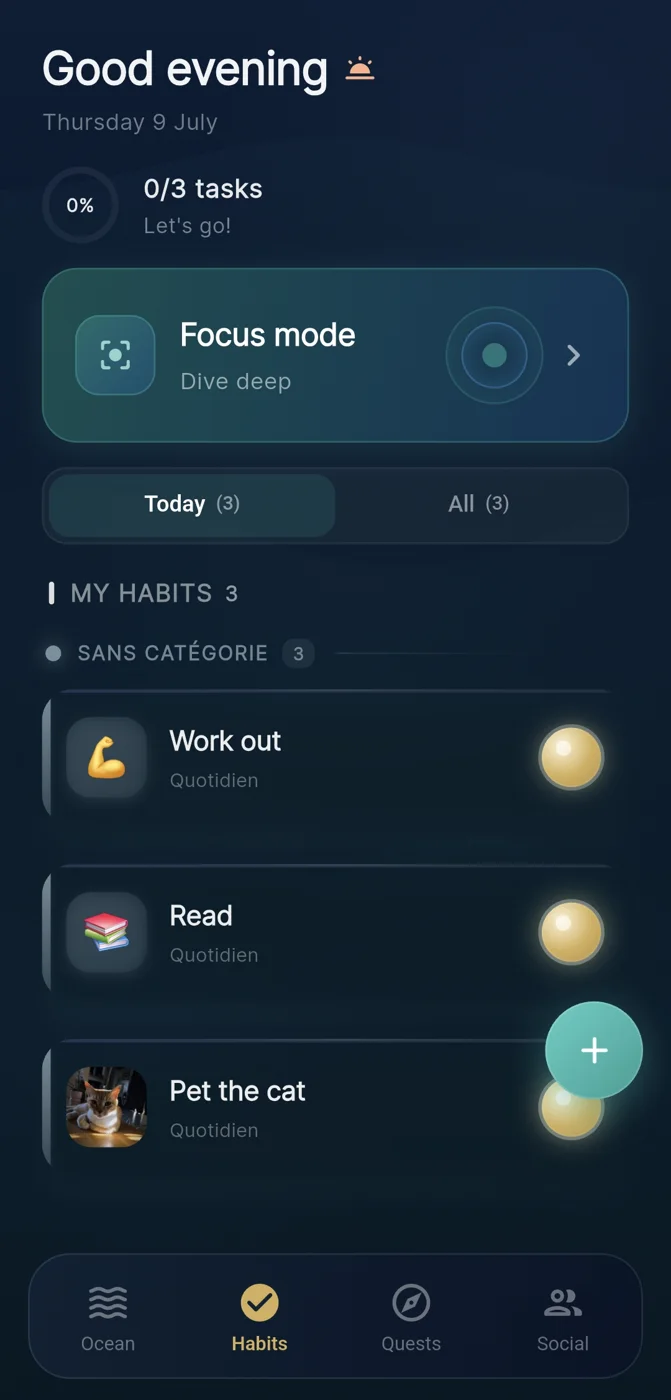
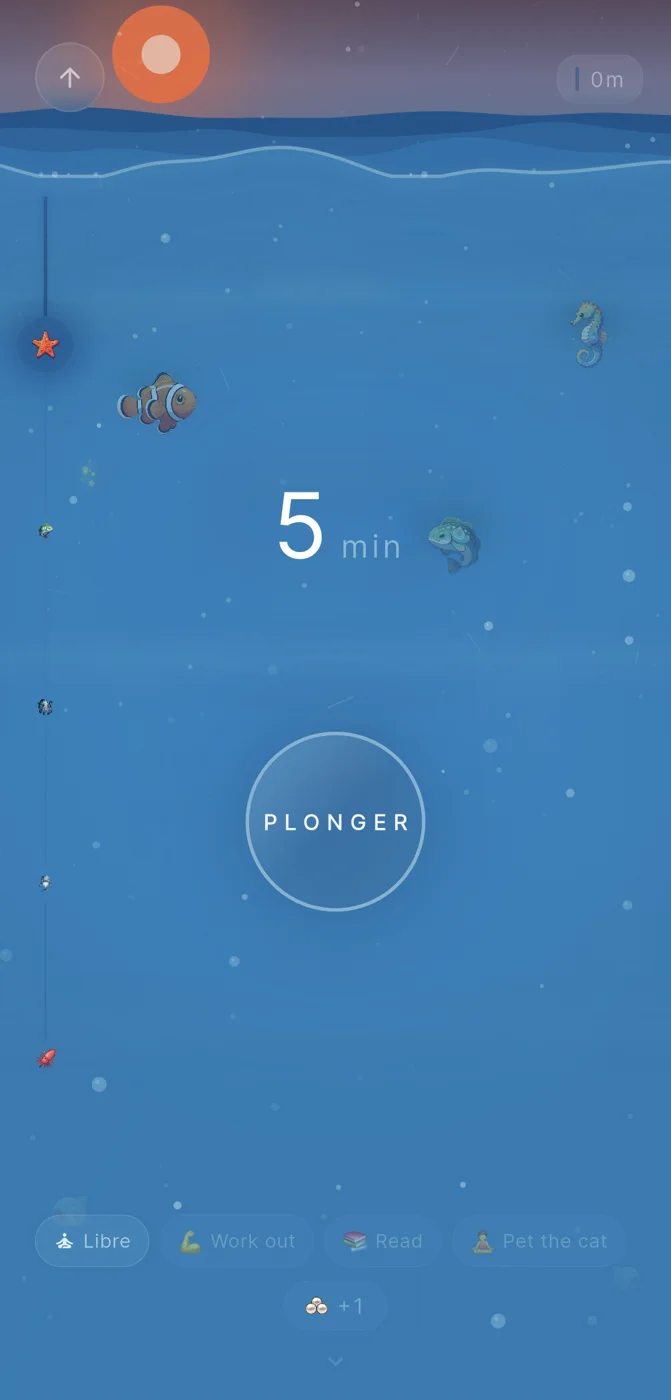
Reef is a mobile habit tracker for iOS and Android built around a visual metaphor: completing a habit adds a pearl to an ocean scene that grows over time, and focused work sessions use a dive theme that also earns pearls when you finish the time you set. It doesn't have a Windows client as part of its public product description, so someone specifically searching for a routinery-style Windows app is looking outside what Reef offers.
That's worth naming plainly rather than glossing over: if desktop tracking during work hours is the main use case, a mobile-only app is going to feel like friction, since you'd need to unlock a phone and open an app to log something you're already doing at a computer. Reef's optional crews feature, where people can share progress with others they choose, is built for accountability rather than for logging convenience, and it doesn't promise any particular behaviour or health outcome.
The honest way to think about this is that different tools solve different parts of the same problem. A visual, mobile-first tracker like Reef can work well for habits that happen away from a desk - a morning walk, drinking water, a bedtime routine - while a Windows-based tool may fit better for habits tied to computer work, like a writing practice or a daily planning ritual.
A worked example: choosing between mobile and desktop tracking
Example only, not a real case: imagine someone wants to build three habits - reading 10 minutes before bed, doing a daily stretch, and writing 300 words each morning at their desk. The writing habit is desktop-native; the other two are not.
In this hypothetical, they could pick a single app that works everywhere, accepting some compromise on either the desktop or mobile experience, or use two lightweight tools - a Windows-based tracker or a plain checklist for writing, and a visual mobile app for reading and stretching. Neither choice is objectively correct; it depends on how much friction the person can tolerate opening a second app.
What matters more than the tool choice, in this example, is that all three habits are defined small enough to survive a bad day: 10 minutes of reading, one stretch, not a full workout, and a rough 300 words rather than a polished page. The tracking mechanism is secondary to whether the habit itself is realistic.
A short checklist before choosing any habit app
Because availability and feature sets change, it's more useful to evaluate against a fixed set of questions than to trust that any specific claim about an app stays accurate over time.
- Does the app run natively on the device where you'll actually log the habit, or will you be switching devices to use it?
- Is the habit you're tracking small enough to do even on a low-motivation day?
- Does the app show a visible history or progress marker you can glance at quickly?
- What happens after a missed day - does the app reset everything, or let you pick back up without penalty?
- If you want social accountability, is it optional, or does the app require sharing progress with others?
- Are you relying on the app to guarantee an outcome, or using it as a visibility tool while you do the actual work?
Setting realistic expectations for any tracker, on any platform
Whether the app runs on Windows, a phone, or both, none of these tools can guarantee that a habit sticks or that a health or behaviour outcome follows automatically. That's true of Reef as much as any Windows-based tracker: pearls, streaks, and dive sessions make effort visible, but the underlying behaviour change still depends on the habit being small enough, and on how you respond when you miss a day.
Gentle recovery after a lapse is one of the more consistently useful principles across habit-tracking design generally - treating a missed day as information rather than failure tends to keep people engaged longer than streak systems that punish a single gap. This applies regardless of which app or platform someone chooses.
If the goal is specifically a Windows-native habit tracker, it's worth checking the current feature list and platform support directly on that app's own site before committing, since those details are the kind of thing this article can't responsibly claim to know at a fixed point in time.
Frequently asked questions
Is there a way to use Reef on Windows?
Reef is described publicly as a mobile app for iOS and Android; it does not have a stated Windows client, so someone needing desktop-native tracking would need a different tool for that use case.
What should I check before picking any habit tracker, Windows or otherwise?
Confirm it runs on the device where you'll actually log habits, check that it shows visible progress, see how it treats missed days, and verify any social features are optional rather than required.
Can a habit-tracking app guarantee I'll build a new habit?
No reputable app can guarantee behaviour change; tracking tools make effort and progress visible, but consistency still depends on keeping habits small and recovering gently after missed days.
Sources and further reading
These resources provide the wider reference frame. Product statements on this page are limited to the public information provided by Reef.