 Reef
Reef

Gamified habit tracker Excel: what the search usually means
People who search for a gamified habit tracker in Excel usually want a spreadsheet that does more than hold ticks. They want points, streaks, levels or colours that change as they keep going, so that repeating a small action feels like progress rather than admin. Excel and similar spreadsheet tools can do a surprising amount of this with ordinary formulas and conditional formatting.
Before you build one, it helps to separate two questions. The first is technical: can a spreadsheet track and reward repetition? Mostly yes. The second is behavioural: will the game layer help you keep going after a bad week? That depends far more on how you design the rules than on the software.
What a spreadsheet can reward well
A grid of dates and habits is a natural fit for visible progress. One row per day and one column per habit gives you a calendar you can read at a glance. Conditional formatting can turn a completed cell green, shade a whole week once every habit is done, or apply a colour scale to a running total so the sheet visibly fills in over time.
Simple scoring is also easy. You can count completions, multiply them into points and divide points into levels. Most of these functions have existed in spreadsheets for many years, so they work in most versions, though menus and newer features such as in-cell checkboxes vary between releases and platforms.
- Totals and weekly counts with COUNTIF
- Running streaks with a formula that adds one per completed day
- Levels by dividing points by a fixed threshold
- Colour rules that make streaks and complete weeks stand out
Worked example: a gentle streak sheet (illustrative only)
Example, not a recommendation for any specific person: imagine one habit, a ten-minute walk, tracked in column B from row 3 downward, with row 2 holding the column headers. You type x for done, F for a planned rest or freeze day, and leave the cell blank for a miss. In C3, the streak formula is =IF(B3="x",N(C2)+1,IF(B3="F",N(C2),0)), filled down the column. The N() wrapper matters: C2 contains header text, and referring to it directly would return #VALUE!, whereas N() treats text as 0. Alternatively, put the header elsewhere and type 0 in C2. A completed day adds one, a freeze day holds the streak where it was, and only an unplanned blank resets it.
Points could live in column D as =COUNTIF($B$3:B3,"x")*10, and a level in column E as =INT(D3/100)+1, so every ten walks moves you up a level. To keep freezes meaningful, you might allow one F per seven days and add a check that flags the week in amber if more appear. The structure is deliberately small: one habit, one reward rule and one recovery rule, which is easier to maintain than a dashboard of twenty metrics.
- Start with one or two habits small enough to finish on a tired day
- Decide your freeze rule before the first missed day, not after
- Review the sheet weekly rather than adjusting rules every evening
Limits to know before acting on it
The biggest limit is that a spreadsheet only reacts when you open it. It does not remind you, notice that you are drifting or respond to a missed day unless you build and check those parts yourself. A practical risk worth planning for is that the formulas keep working perfectly while the file itself quietly stops being opened.
A second limit is that game rules can backfire. A strict streak that drops to zero after one miss can make a single off day feel like losing everything, and that feeling may tempt someone to drop the habit altogether. Points can also nudge you towards logging easy items to keep scores high instead of doing what you actually care about. Phone editing is a further practical constraint: entering data in a dense grid on a small screen is often clumsy, so check how the sheet behaves on the device you will use daily.
Finally, no tracker, whether a spreadsheet or an app, guarantees a behaviour or health outcome. It makes repetition visible; the repetition is still yours to do. If a habit relates to a medical condition, decisions about it belong with a qualified professional, not a scoring system.
Designing for small habits and missed days
The principles that make a gamified tracker sustainable are the same whatever tool you choose. Keep habits small enough to repeat on a poor day. Make progress visible so effort accumulates instead of disappearing. Treat a missed day as information rather than failure, with a built-in way back such as a freeze or a reset that keeps your history. Add other people only if you want them, because accountability you did not choose can turn into pressure.
In a spreadsheet, each principle becomes an explicit rule you write: a size limit for each habit, a colour scale, a freeze code, an optional shared tab. Writing them down is useful in itself, because it forces you to decide in advance how you will treat yourself after a lapse.
When an app may fit better, and where Reef stands
A spreadsheet suits people who enjoy tinkering, want full control of their data format and are happy to open a file every day. An app may suit people who want the reward layer and recovery rules already designed, and who prefer tapping once on a phone to editing cells.
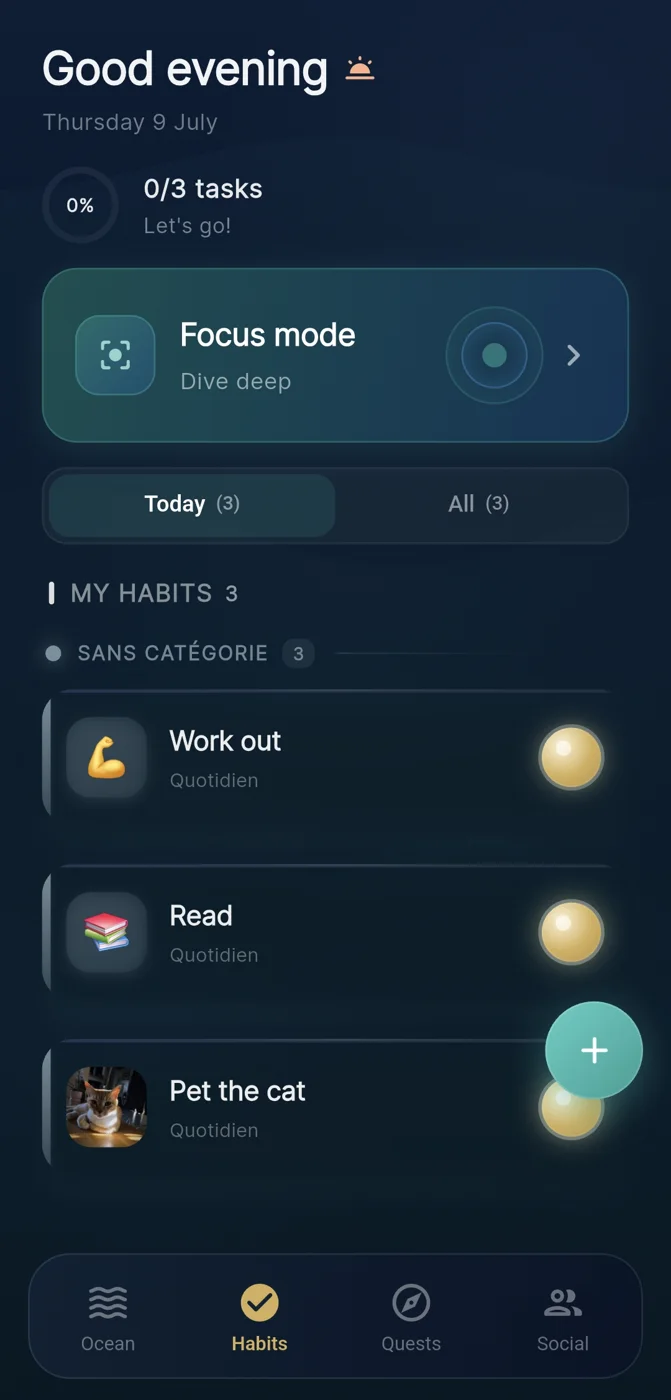
Reef, an IVRYN habit tracker for iOS and Android, is one example of the app route: each finished habit adds a pearl to an ocean you watch grow, a streak freeze can cover an off day, and joining a crew is entirely optional. Its own position is bounded in the same way as this article: it aims to make repeated actions visible and does not claim to guarantee that behaviour will change.
Frequently asked questions
Can Excel calculate a habit streak automatically?
Yes. With one row per day starting in row 3 and headers in row 2, a formula in C3 such as =IF(B3="x",N(C2)+1,0), filled down, adds one to the streak for each completed day and resets it to zero after a miss. N() treats the header text above as 0; without it, the first row returns #VALUE!, unless C2 simply holds 0. Adding a second condition for a planned rest code lets the streak pause instead of resetting.
What is the main drawback of a gamified habit tracker in a spreadsheet?
A spreadsheet only responds when you open and update it, so it offers no reminders or reaction to missed days unless you build those yourself. Strict streak rules are a further risk: if one missed day wipes out all progress, it can feel like total failure and may tempt someone to stop using the tracker.
Does gamifying habits guarantee that they will stick?
No. Points, levels and streaks can make progress visible and repetition more satisfying, but no tracker guarantees a behaviour or health outcome. As a design principle, it is worth putting at least as much thought into keeping habits small, planning a way back after missed days and deciding whether to involve others as into the scoring system itself.
Sources and further reading
These resources provide the wider reference frame. Product statements on this page are limited to the public information provided by Reef.